Customer, map and review reports
Written By Ignacio
Last updated About 2 months ago
Three tabs about who you serve, where you found them, and what they thought.
Customers
Your customer base over the selected range: who's new, who's active, and how the list is growing.
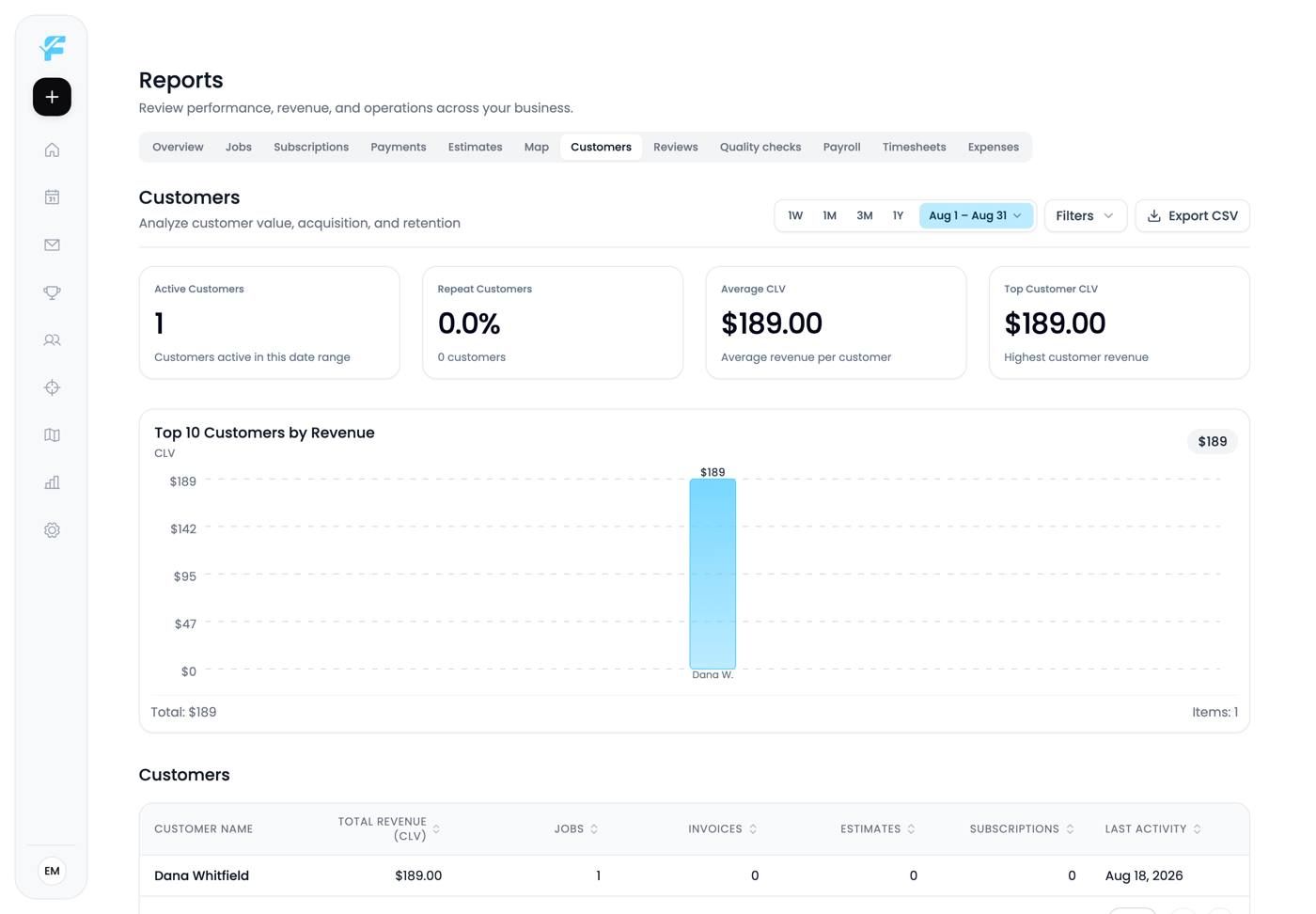
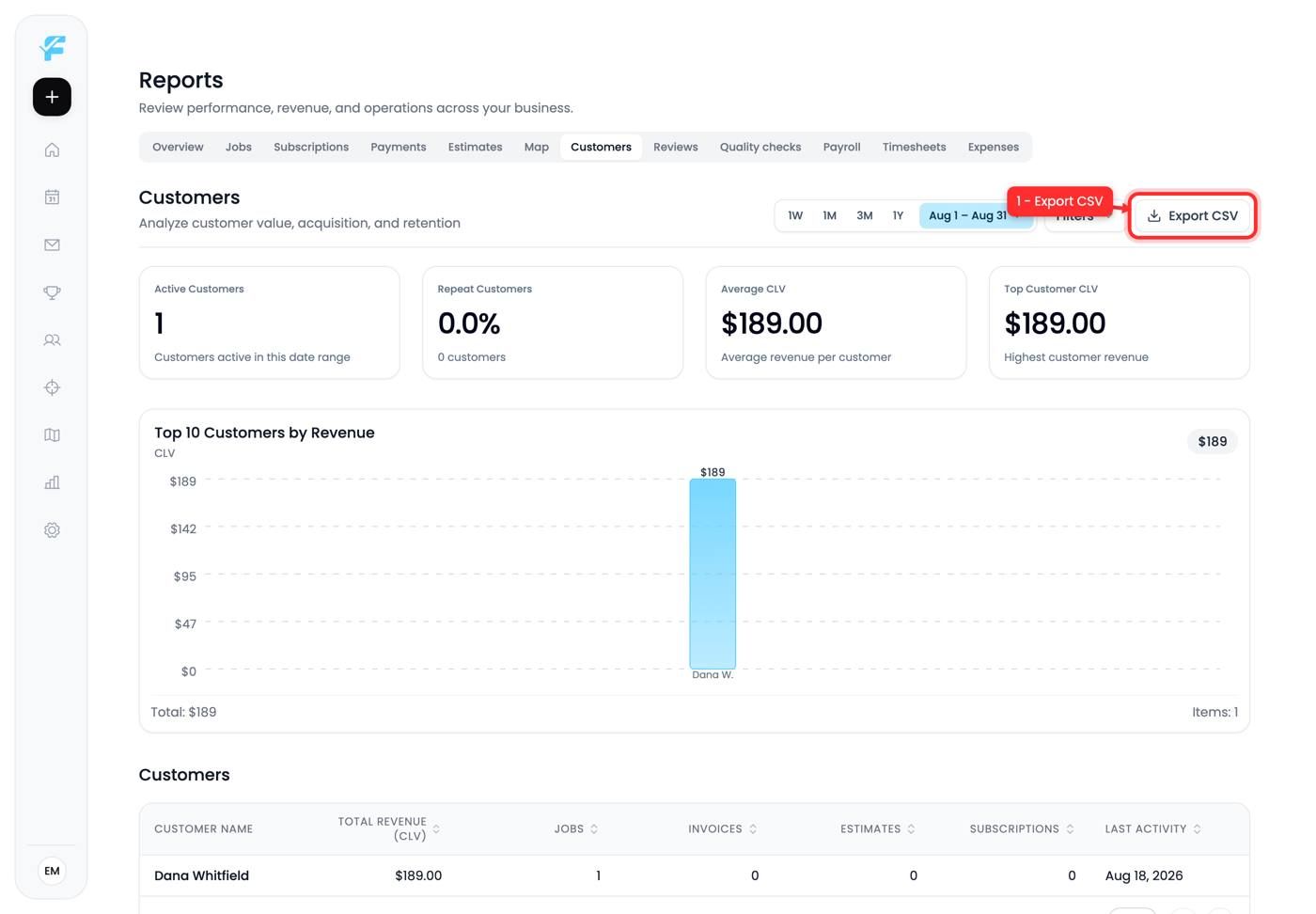
1. Export CSV
Pulls the list out for anything the page doesn't do, for example a mail merge or a segmentation exercise in a spreadsheet.
Map
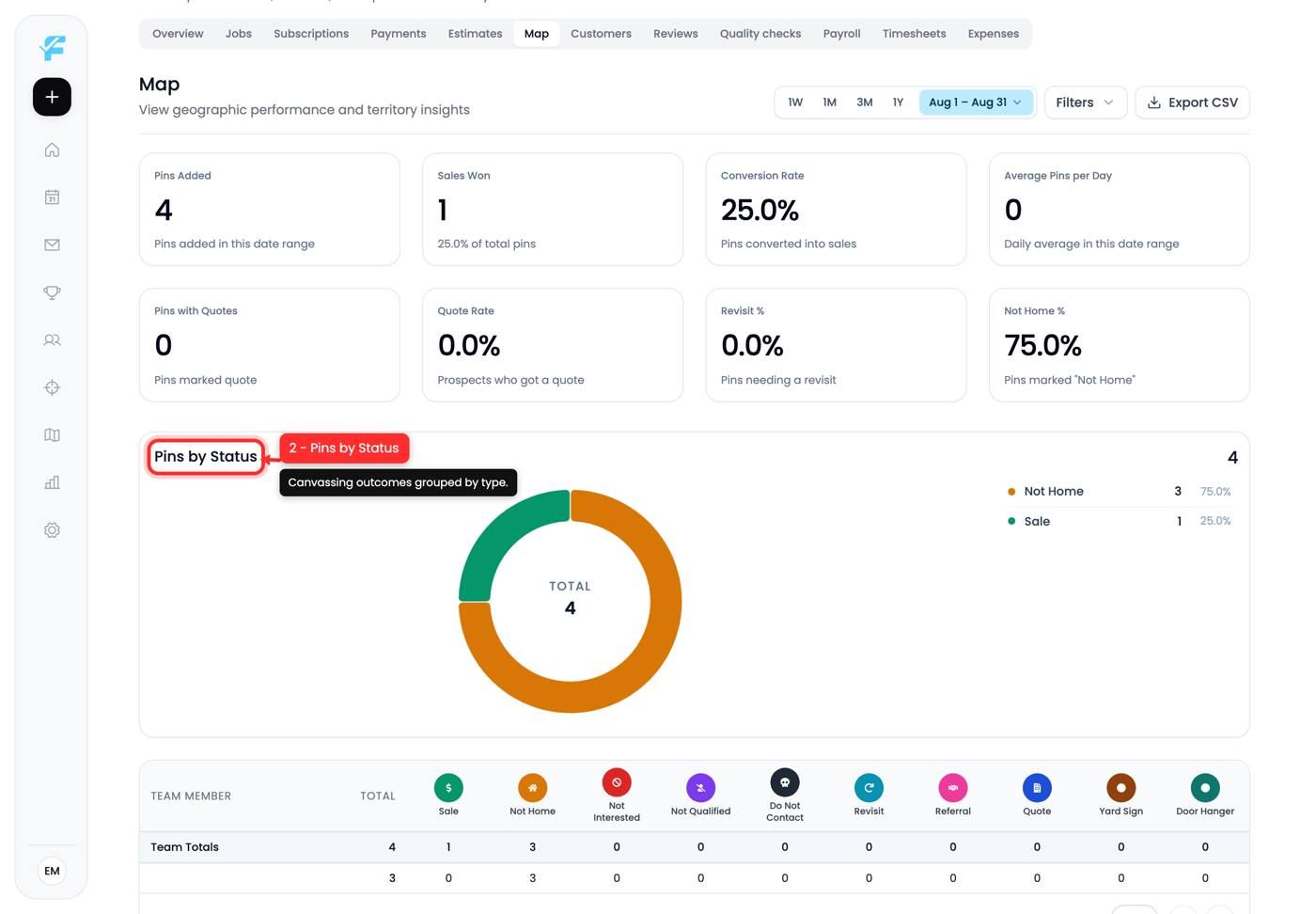
Canvassing results. Every pin your team dropped, grouped into Pins by Status with counts and percentages, plus an All Pins table underneath.
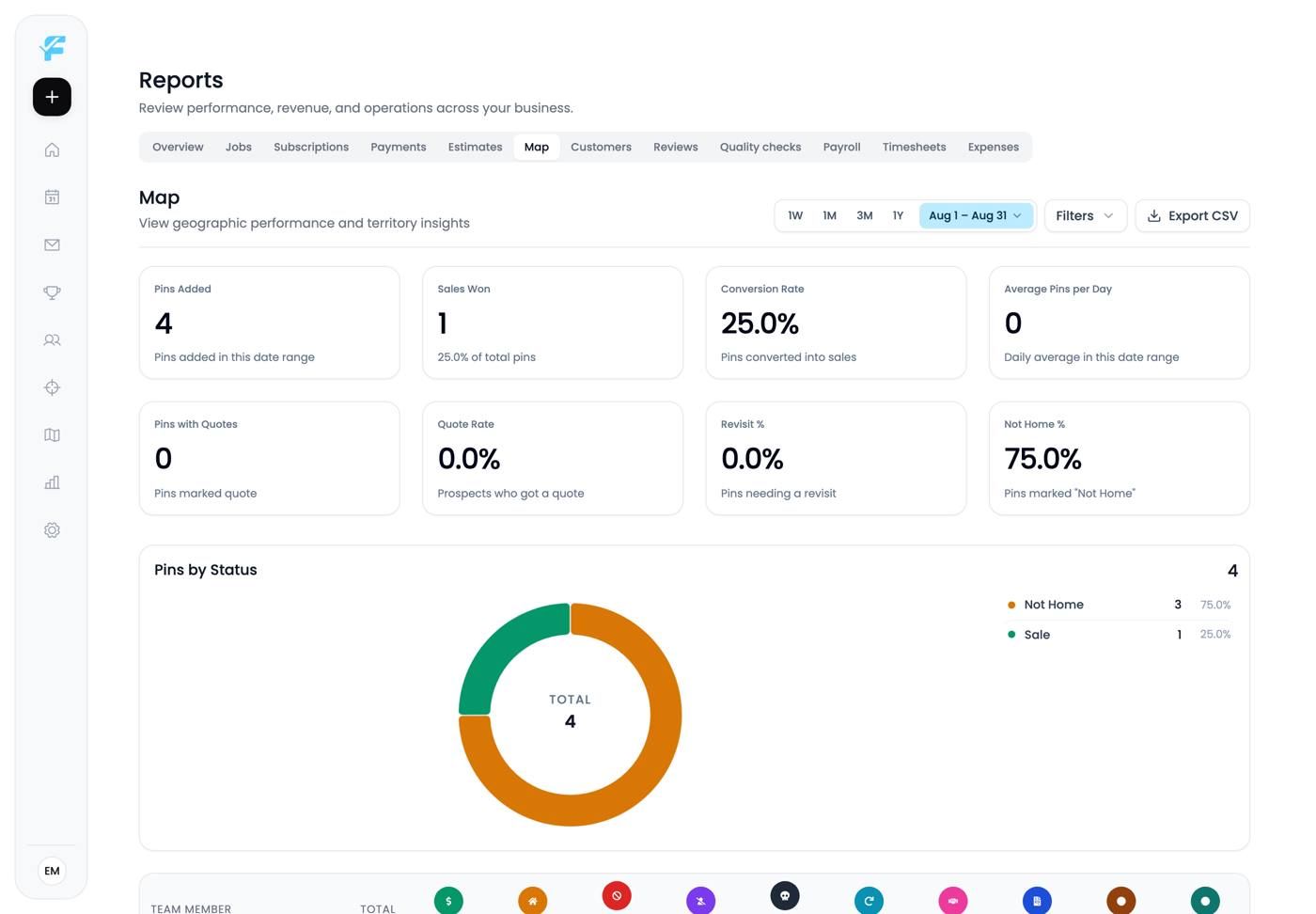
2. Pins by Status
Not Home usually dominates, often three quarters of everything. That's normal and it's a scheduling signal, not a pitch problem: knock later, not differently.
The number that matters commercially is Sale against total pins, and the number that matters operationally is how big the Revisit pile is and whether anyone is working it.
Reviews
What came in, over time, with date filters and CSV export.
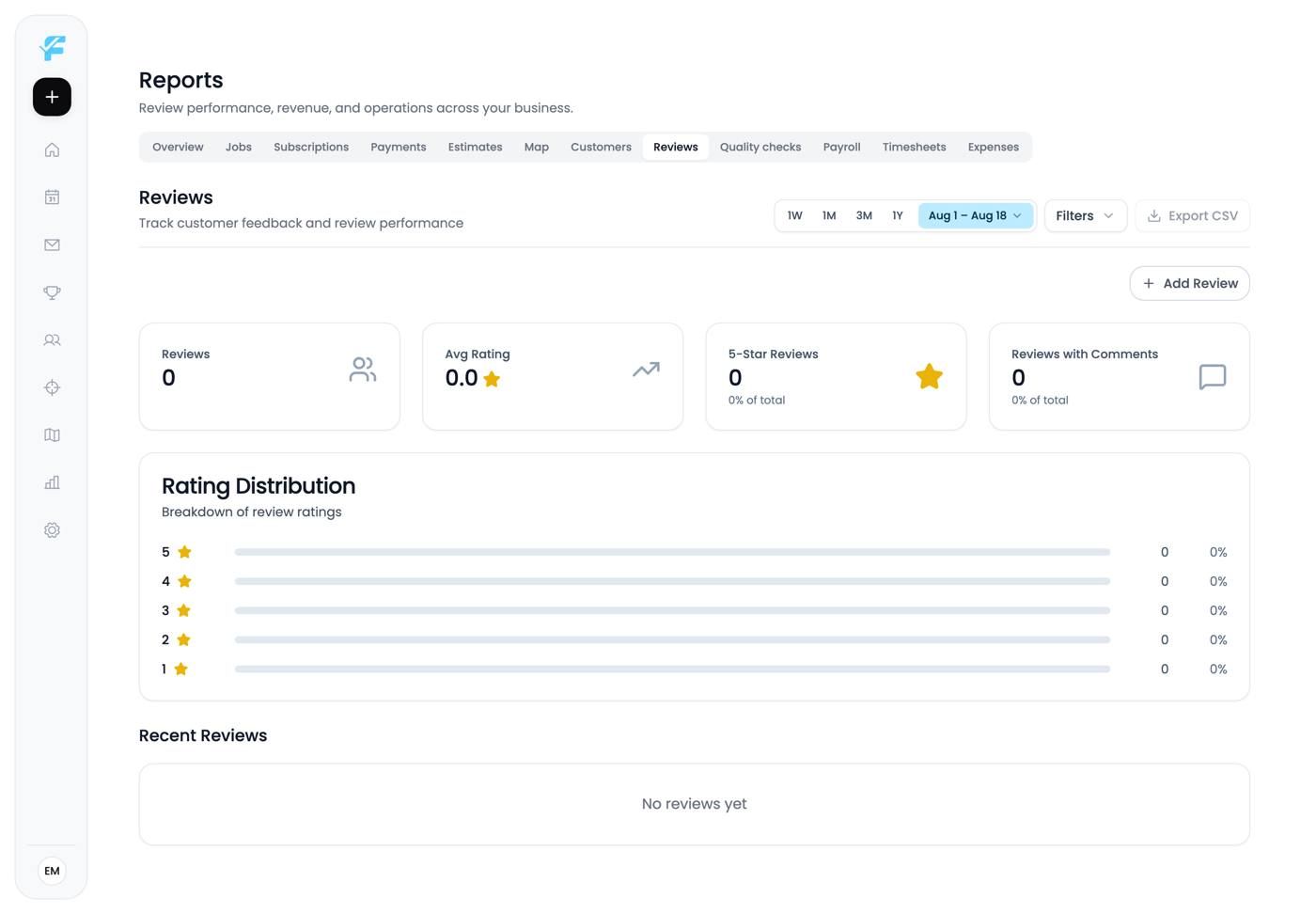
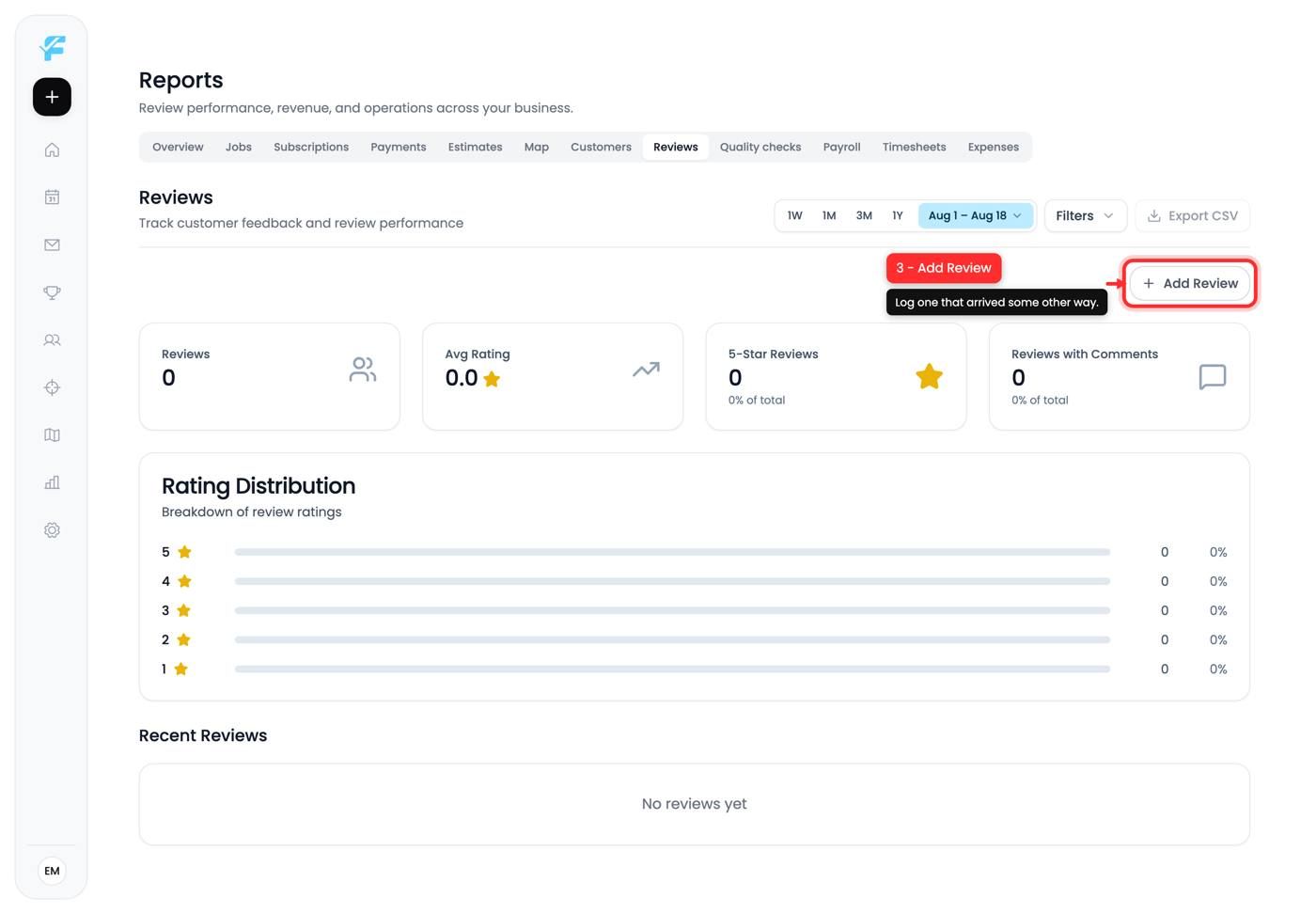
3. Add Review
Logs a review that arrived some other way, for example someone who left one on Google directly without going through your request.
Worth using, so this report reflects reality rather than only the reviews Flyra can see.
Reading these together
These three tabs answer the same question at three stages: the Map is people you approached, Customers is people who bought, Reviews is what they thought afterwards.
If the Map is busy and Customers is flat, your doorstep conversion is the problem. If Customers is growing and Reviews is empty, you aren't asking.
Tips and gotchas
- Filter the Map report by rep before concluding anything about an area.
- Not Home dominating is normal. Change your hours.
- Log external reviews so the report isn't misleading.
- Empty Reviews usually means the review link isn't set, which disables half the Reviews card in Organization settings.
Next up: Team reports
Still need help? Ask the team