Web forms
Written By Ignacio
Last updated About 2 months ago
A web form is how leads reach you without a phone call. Someone fills it in on your site, and the lead lands straight in your pipeline with their details already typed. No inbox, no copying into the CRM, no lead lost because nobody checked an email account.
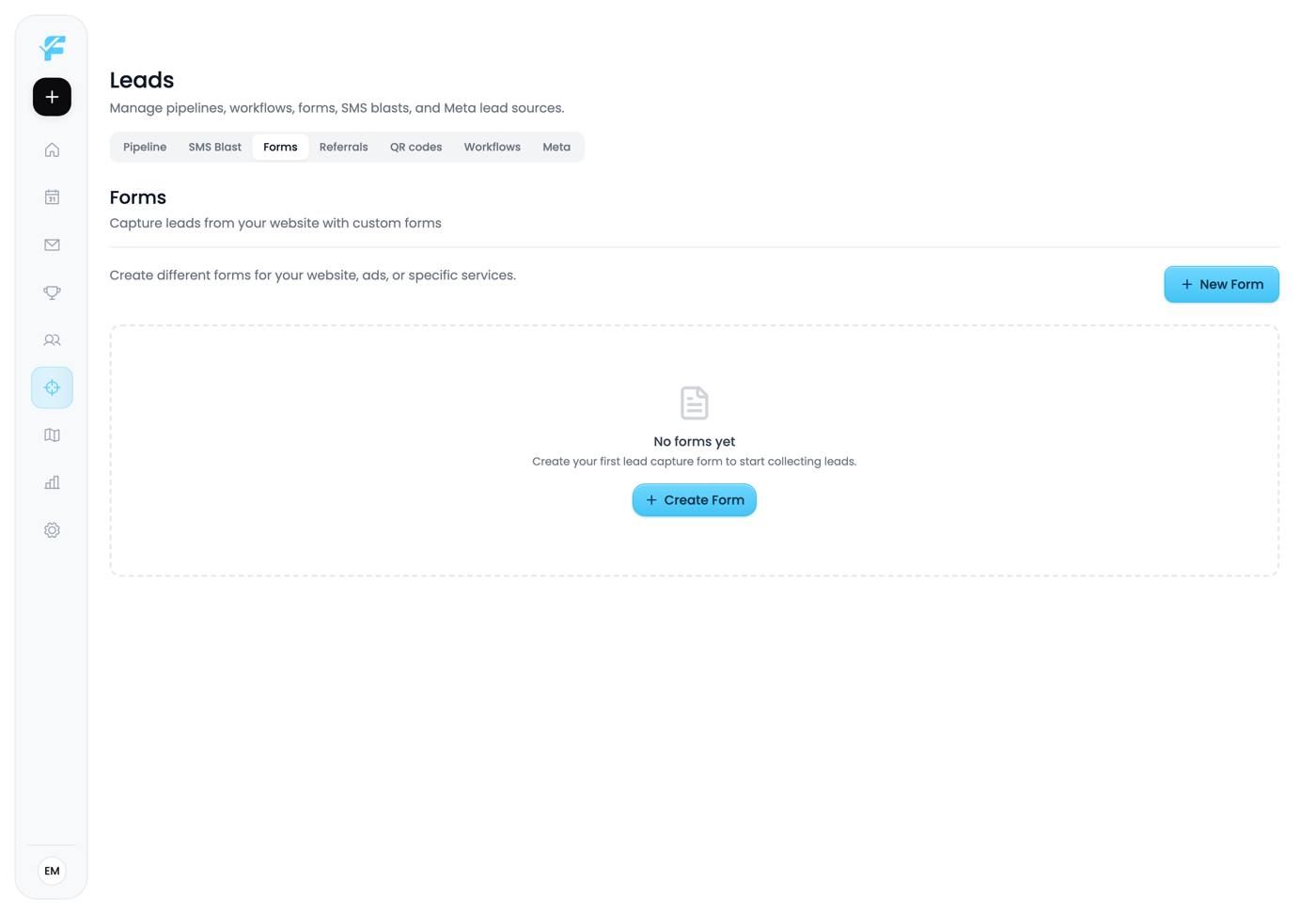
1. New Form
Click New Form to open the builder.
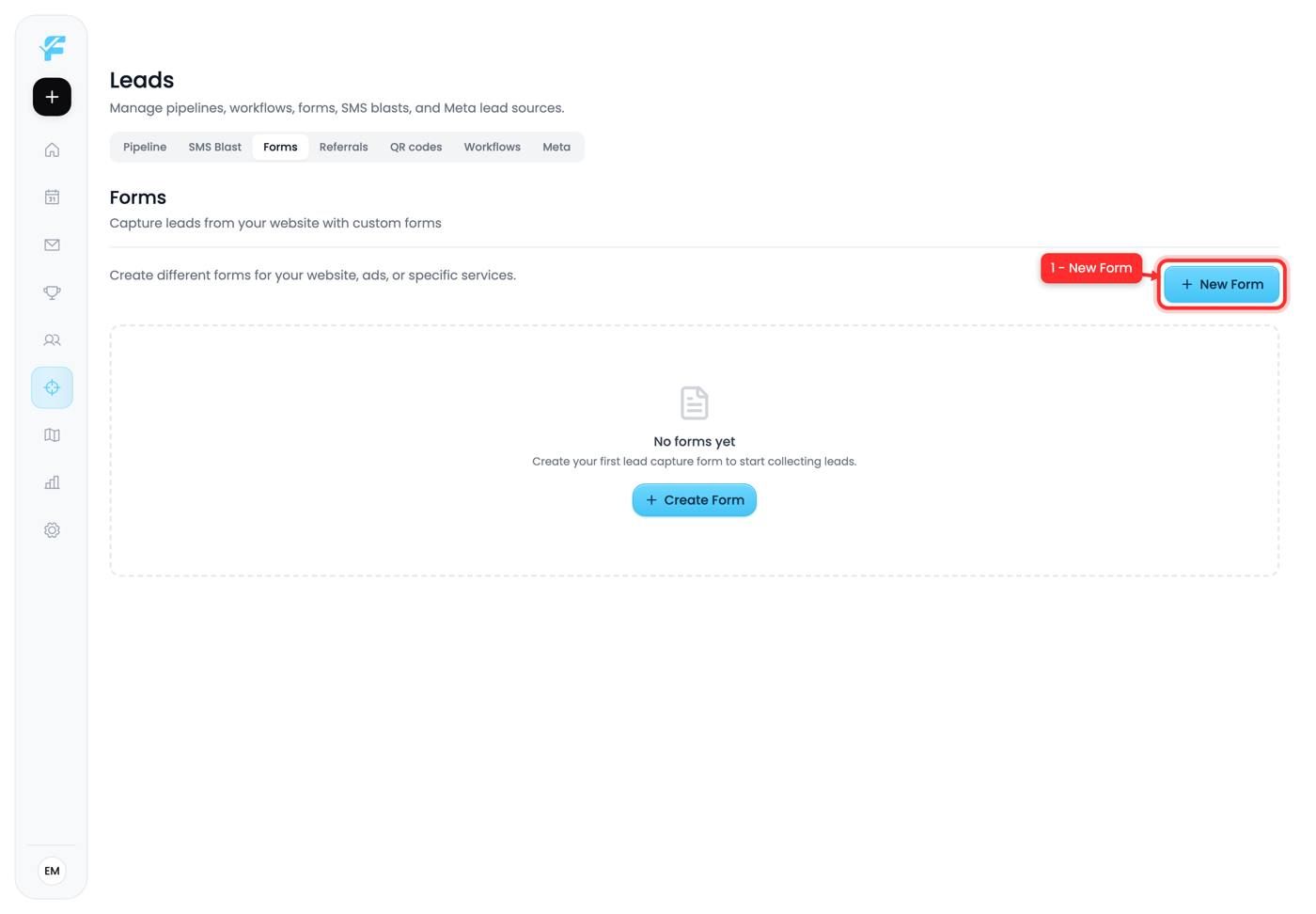
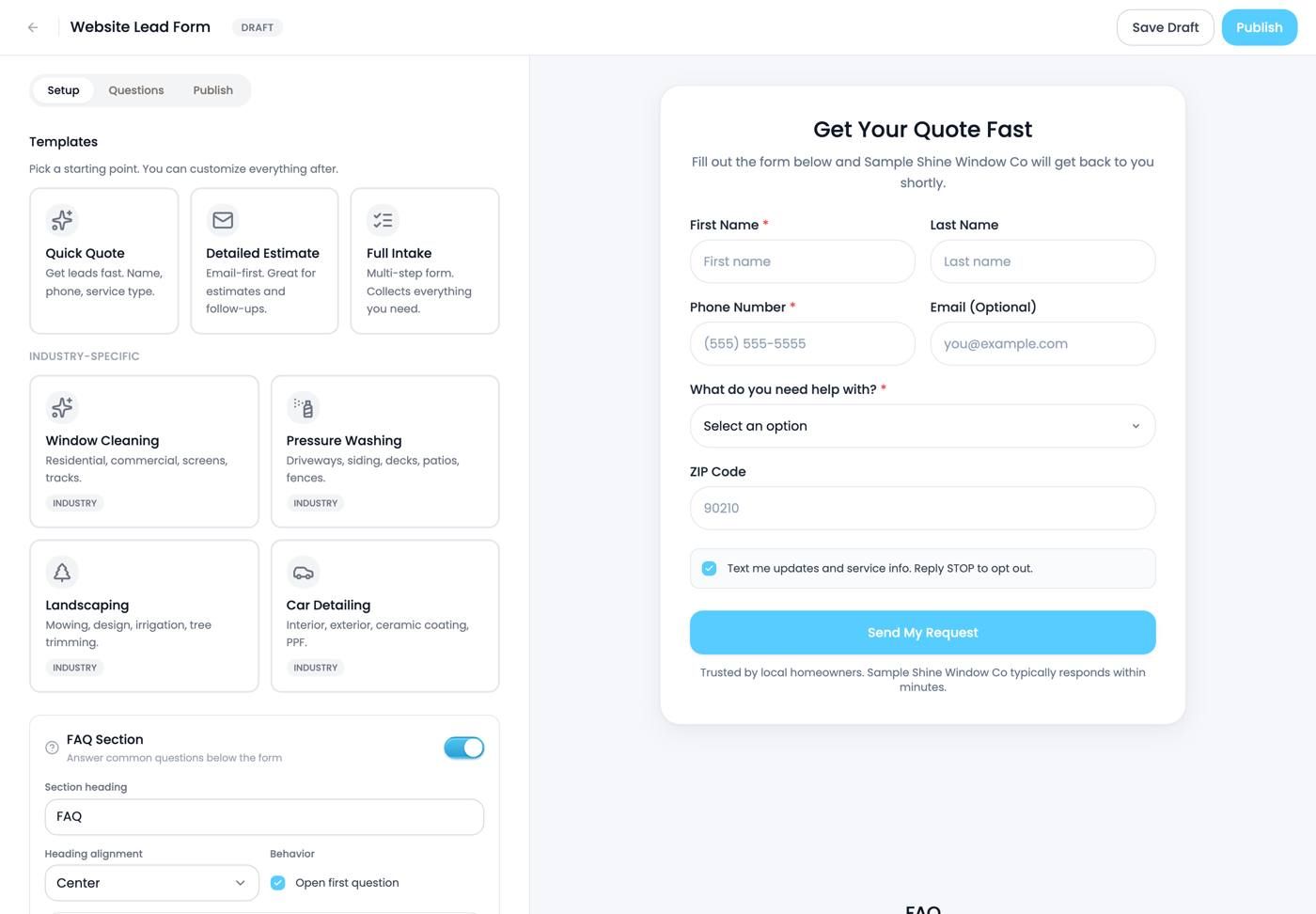
2 to 5. Start from a template
Four presets, and picking one is much faster than building from scratch:
2. Quick Quote asks for name, phone and service type. Three fields, highest completion rate. Use this unless you have a specific reason not to, because every extra field loses people.
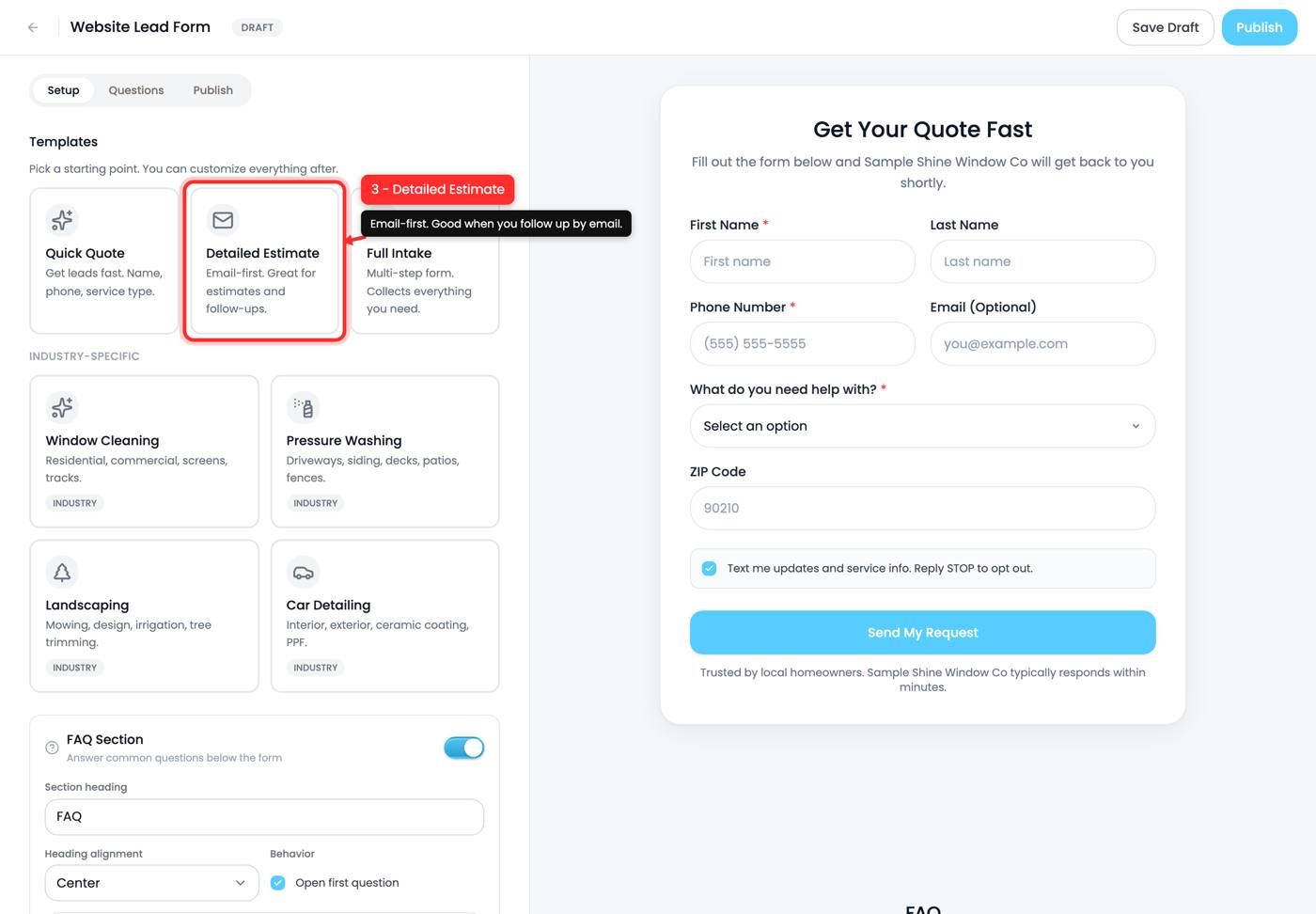
3. Detailed Estimate is email-first and gathers more up front. Good if you quote by email and want detail before you call.
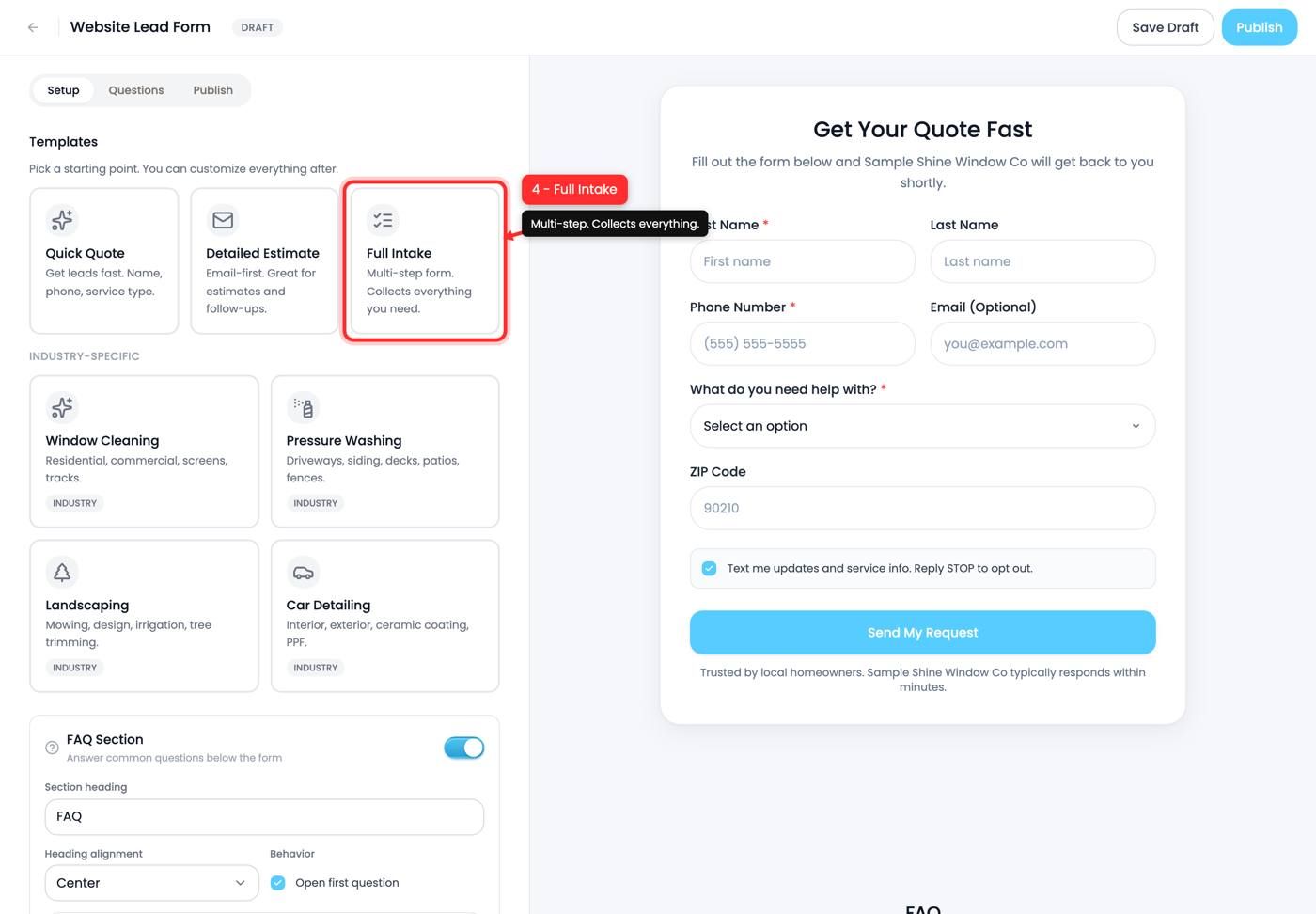
4. Full Intake is multi-step and collects everything. Right for complex jobs, wrong for a first touch from a stranger.
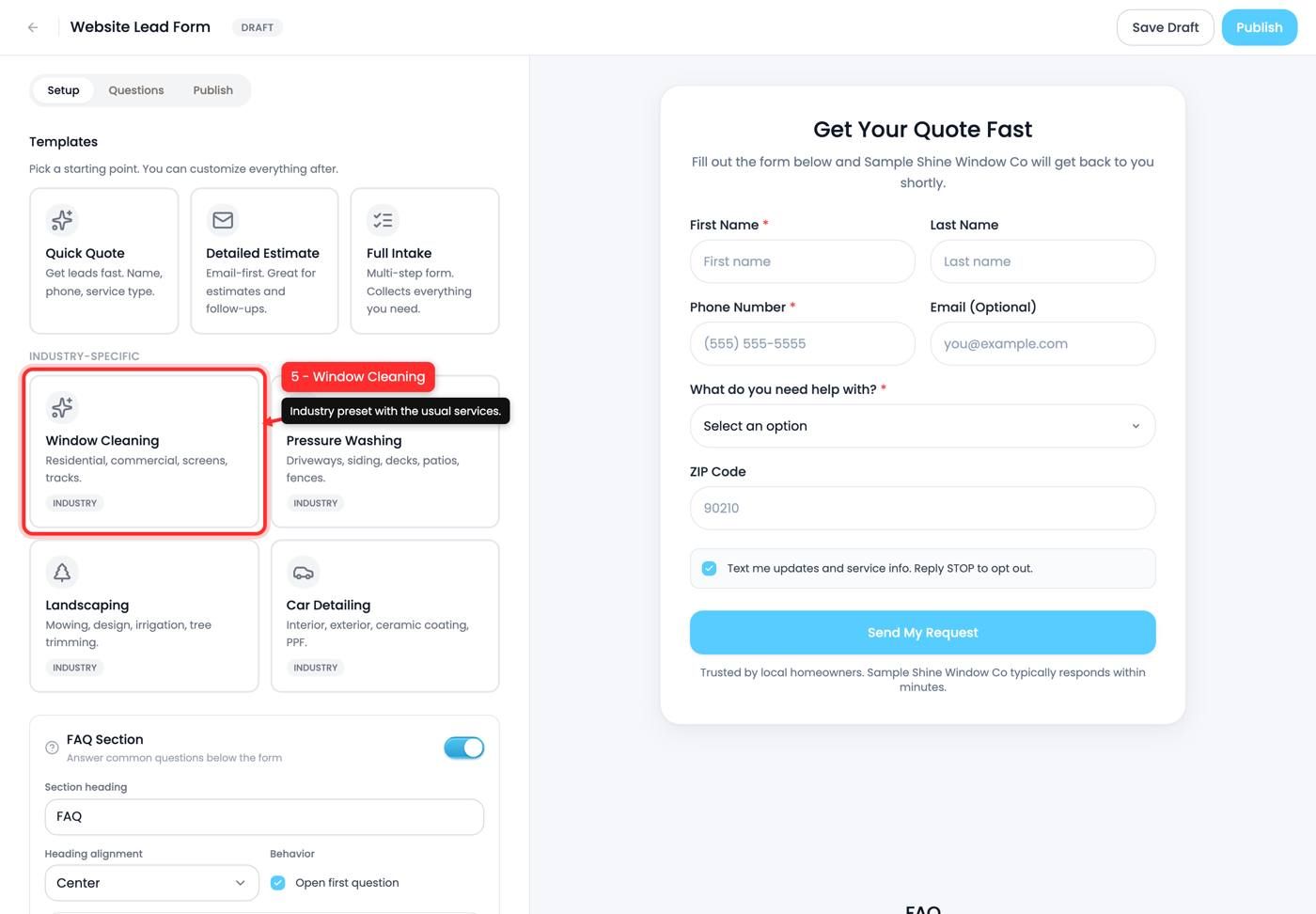
5. Window Cleaning is an industry preset already filled with the usual services: residential, commercial, screens, tracks.
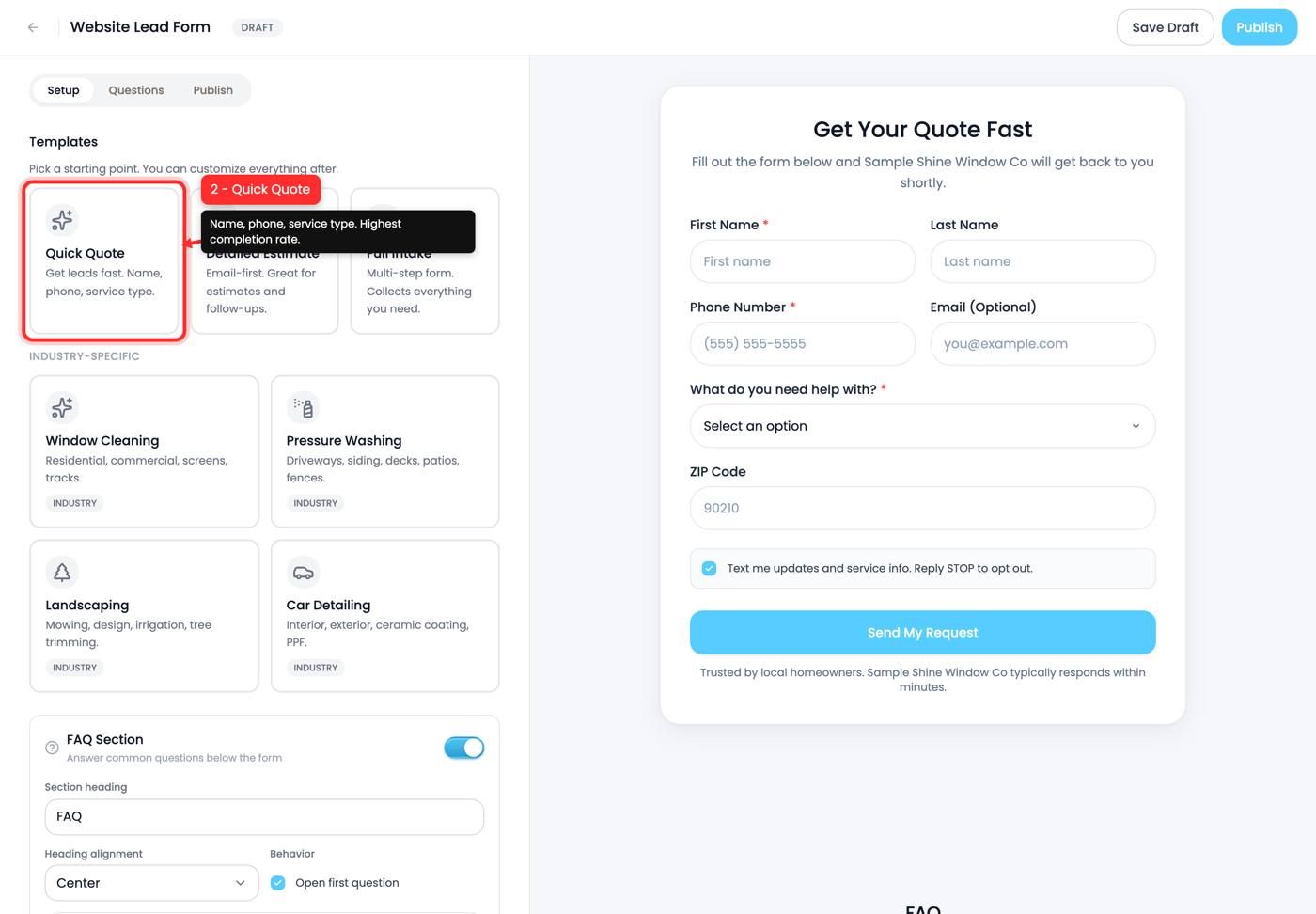
6. Form name
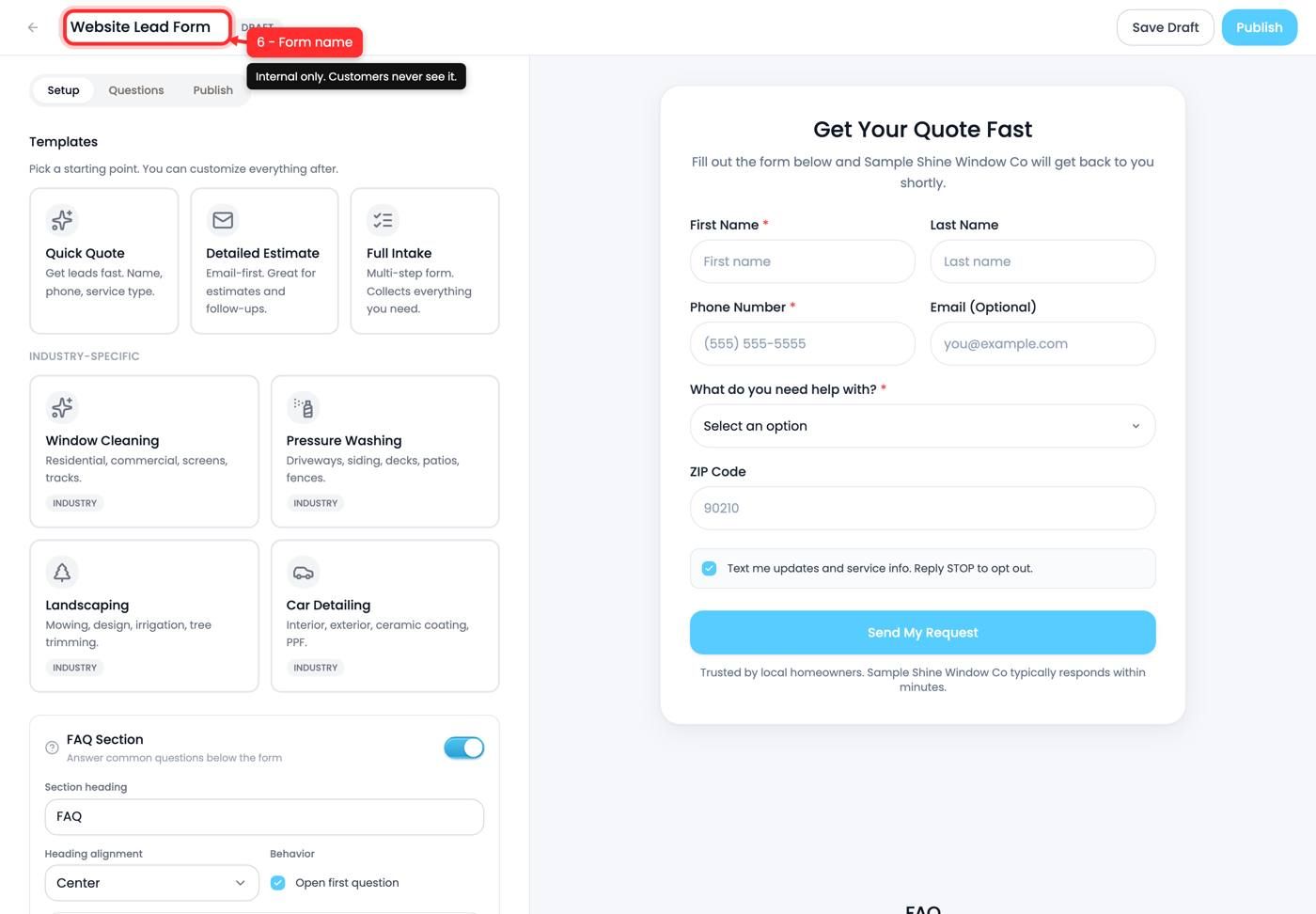
Internal only. Customers never see it. Name it so you can tell forms apart in reporting, for example "Home page quote" versus "Yard sign QR".
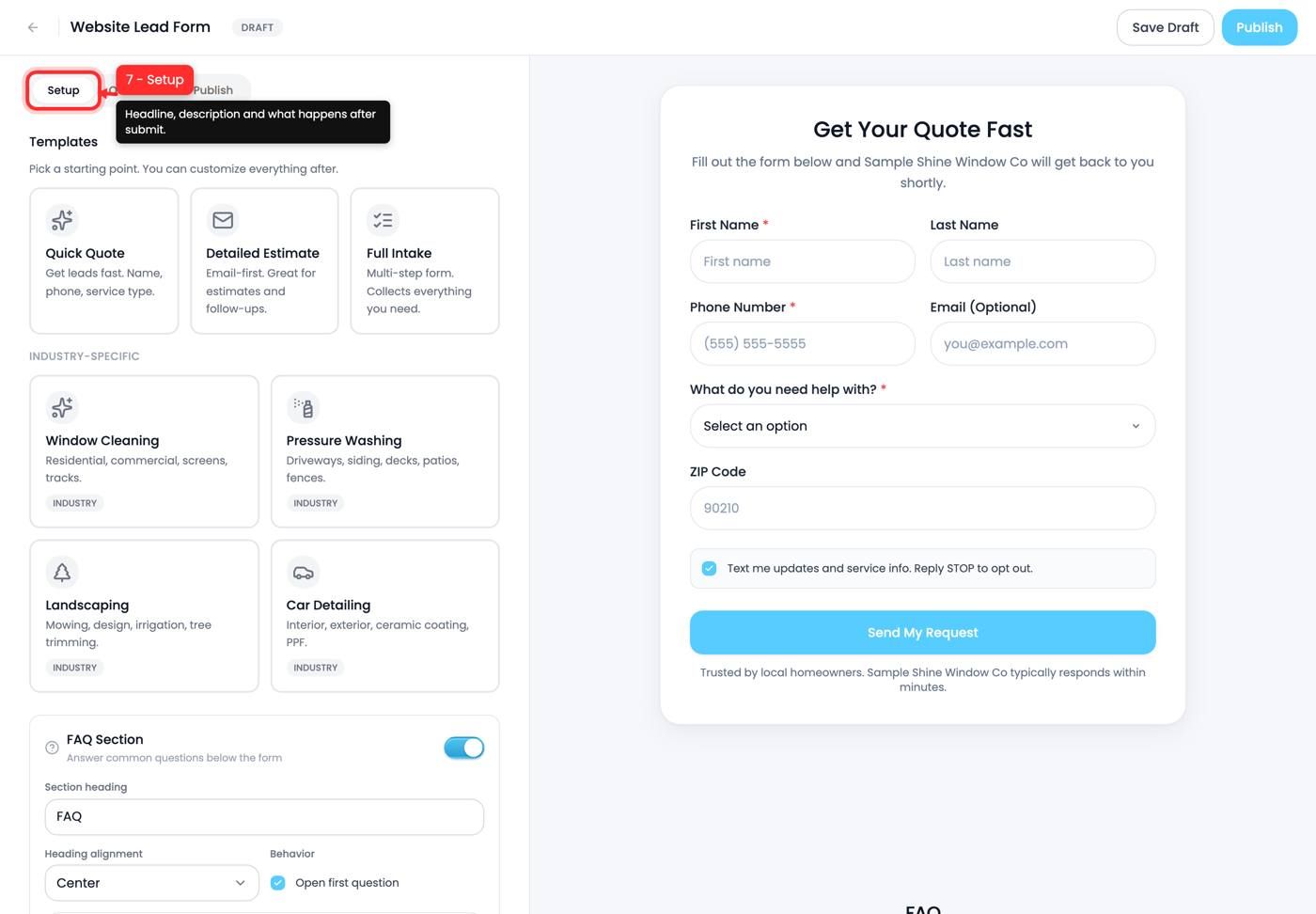
7. Setup
The first tab. Headline, description and what the customer sees after they submit. The default heading reads "Get Your Quote Fast".
Write the heading as a promise about speed or price, because that's what makes someone fill in a form rather than close the tab.
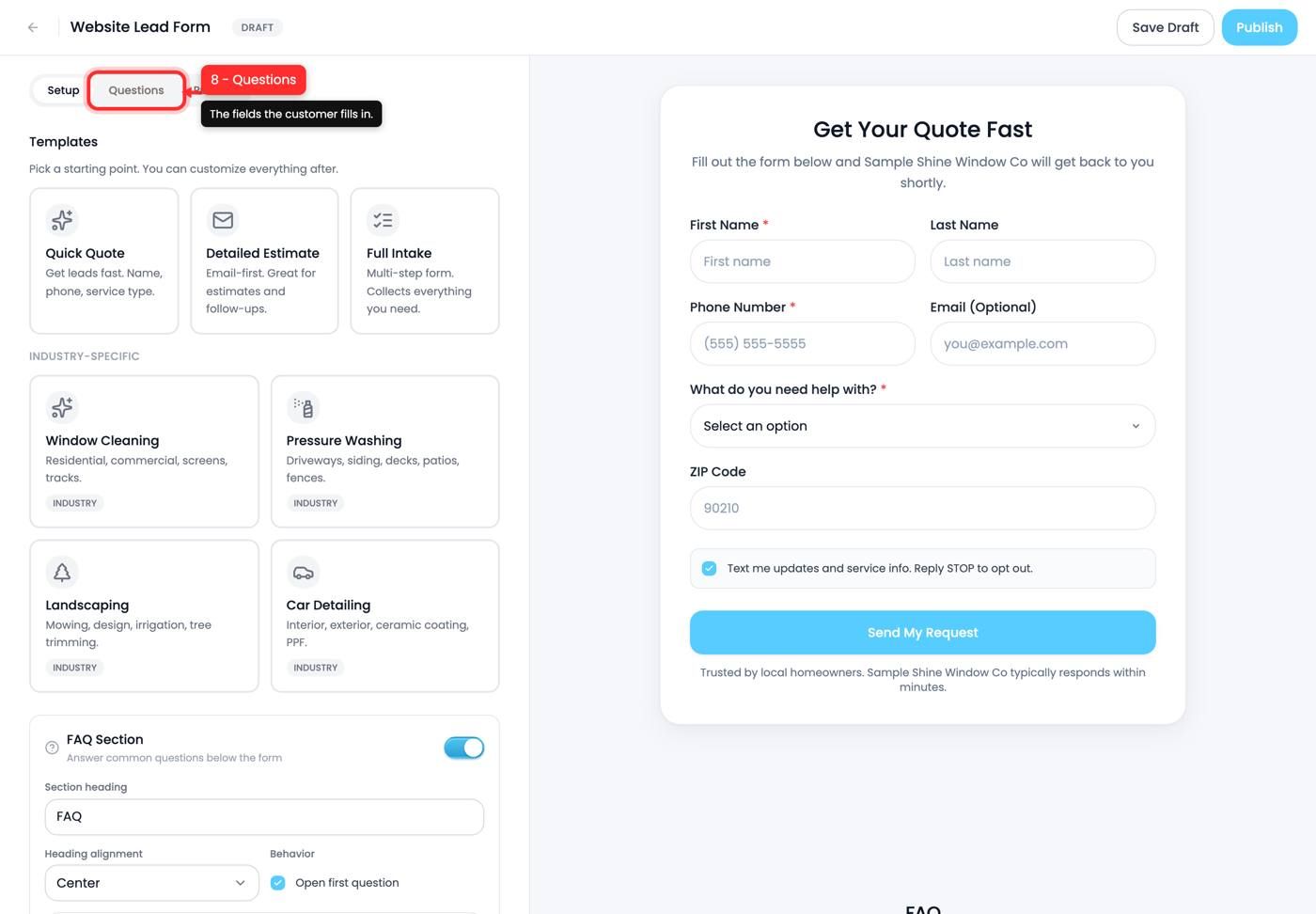
8. Questions
The second tab, and where the actual fields live. Each one is a Question and Answer pair you can edit, add to or remove.
Every question you add costs you completions. Ask for what you need to quote and nothing else. "What's your budget" in particular tends to end the conversation before it starts.
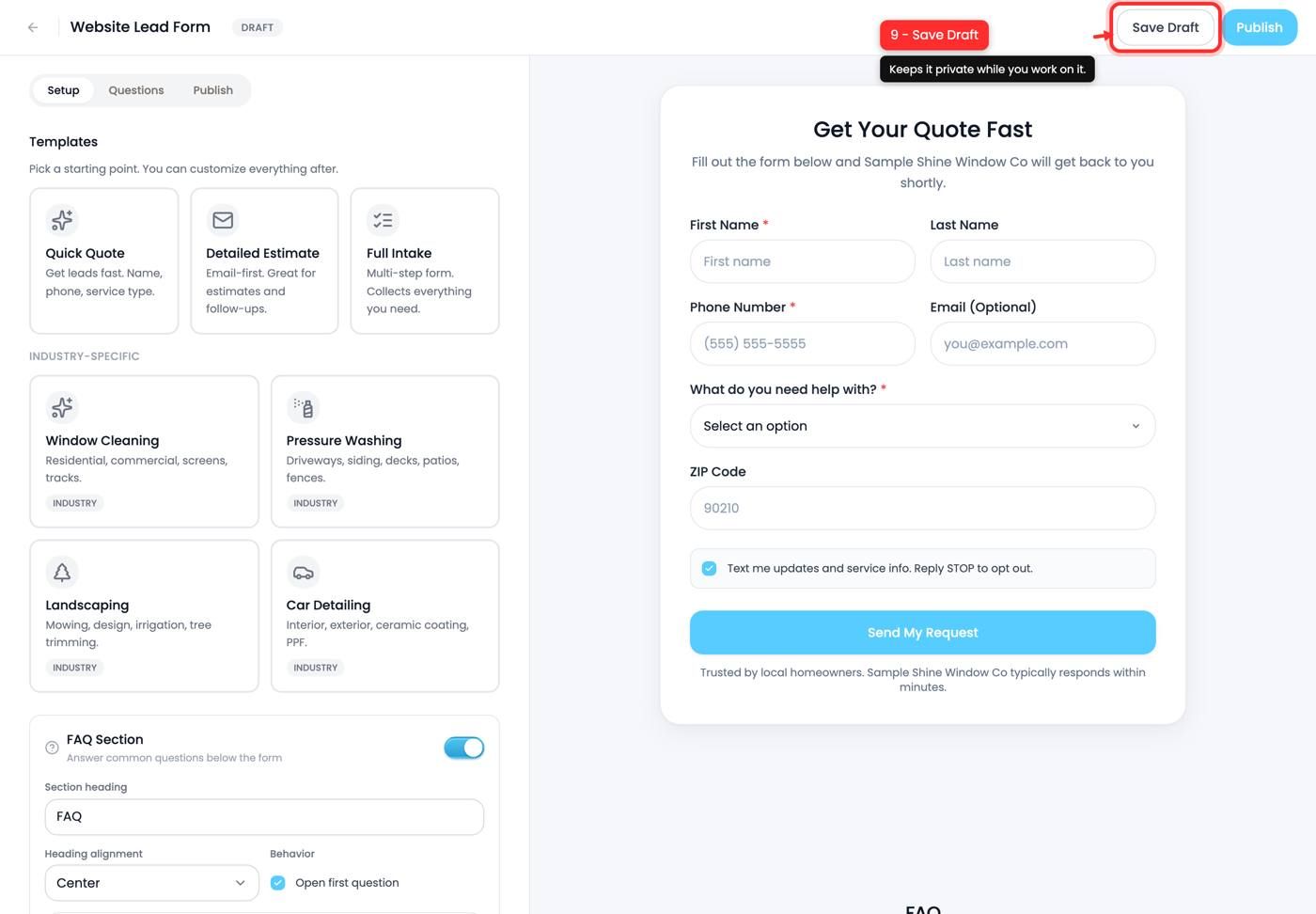
9. Save Draft
Keeps the form private while you work on it. Nothing is public until you publish.
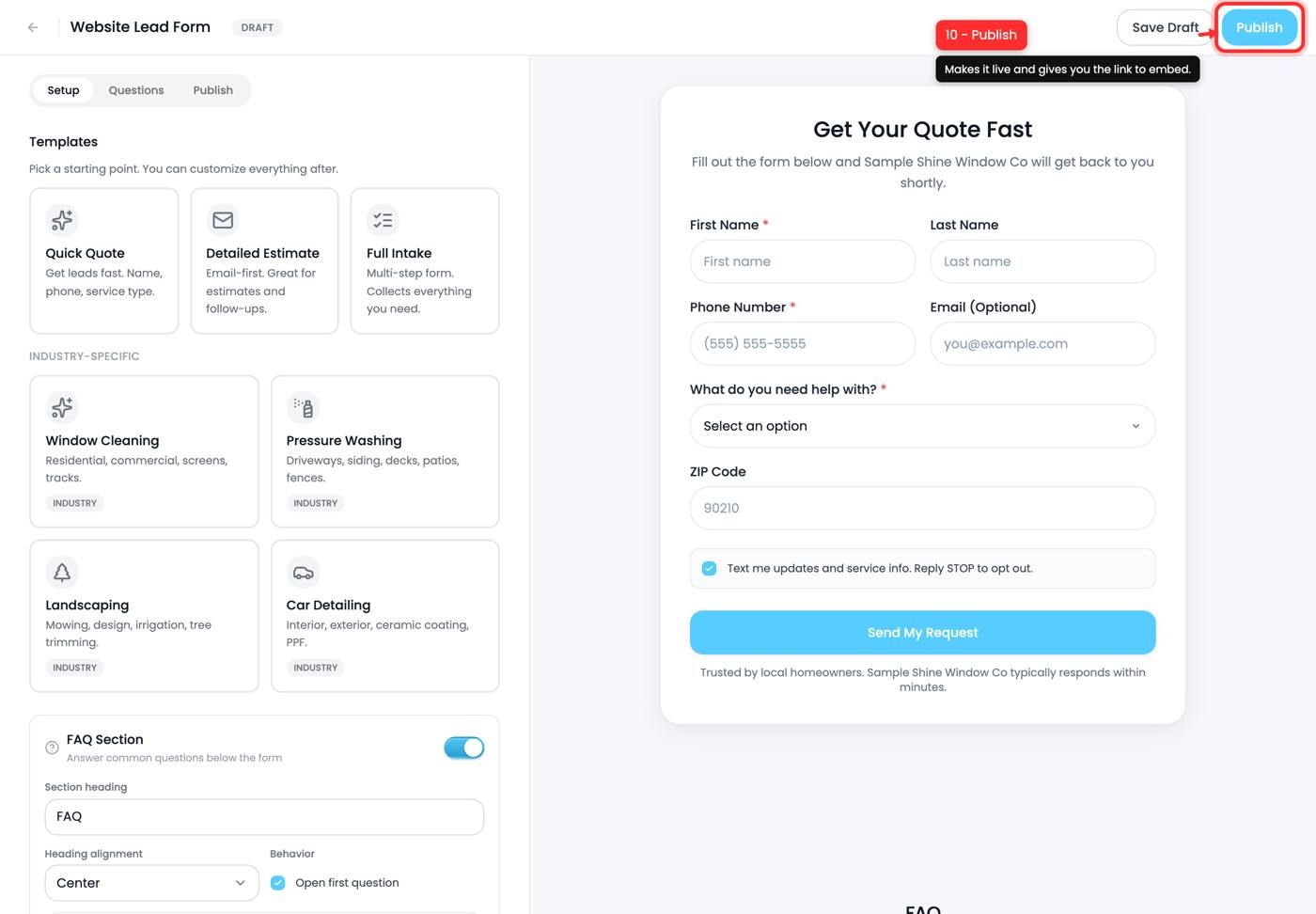
10. Publish
Makes the form live and gives you the link to put on your site, in an email signature, or behind a QR code on a yard sign.
Where submissions go
Straight into your Leads pipeline as new leads, with the form's answers attached. Set the lead source so you can tell later which form is actually earning its place.
Tips and gotchas
- Fewer fields, more leads. Quick Quote beats Full Intake for cold traffic almost every time.
- The form name is internal. Name it for your own reporting.
- Publish is what creates the link. A draft has no URL.
- Make a form per placement. Separate forms for your site and your yard signs tells you which is working.
Next up: Lead sources and attribution
Still need help? Ask the team