Job, estimate and invoice automations
Written By Ignacio
Last updated About 2 months ago
The three categories that do the most work: reminding customers about appointments, chasing quotes, and collecting money. Each is a list of messages with a trigger and a switch.
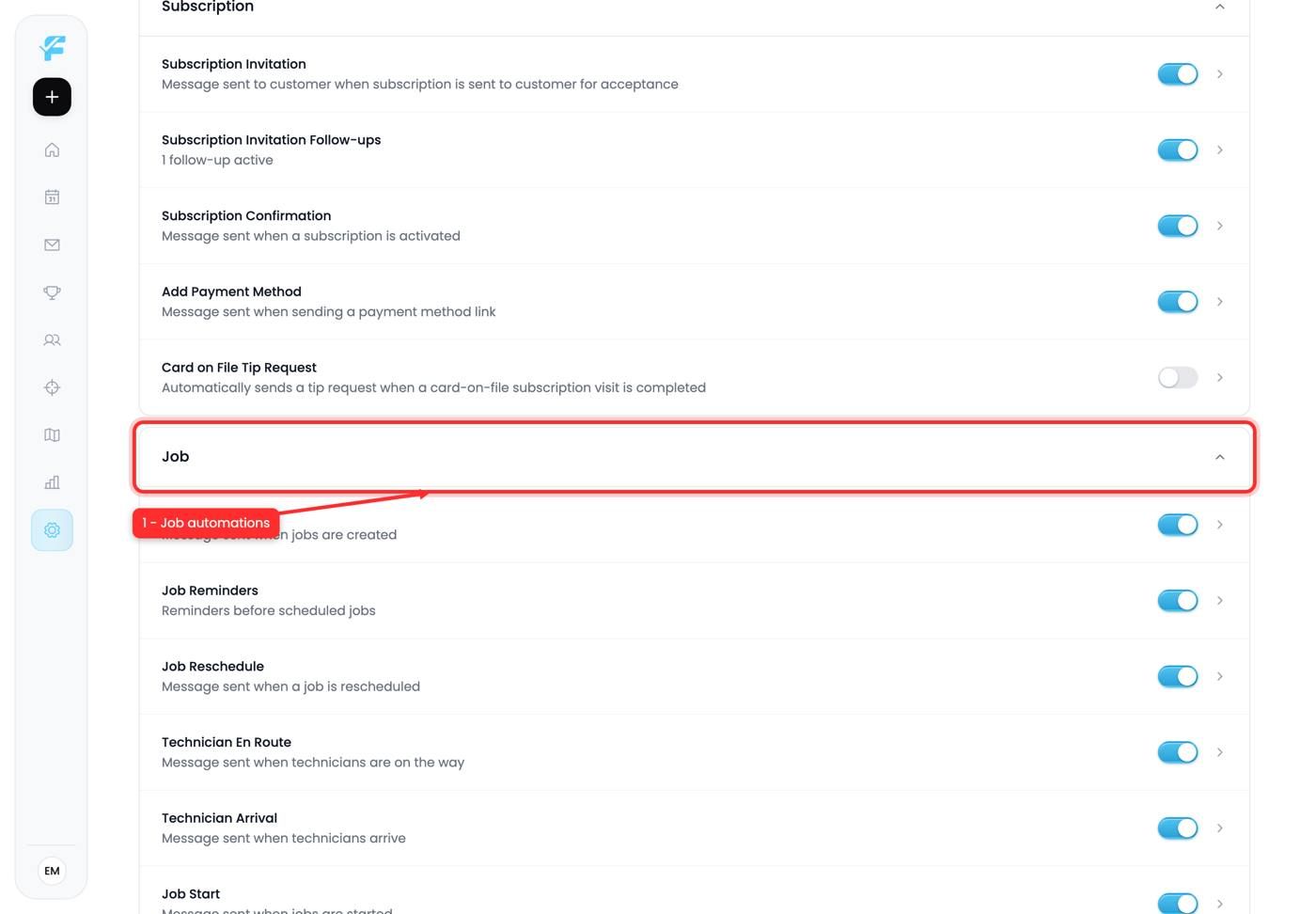
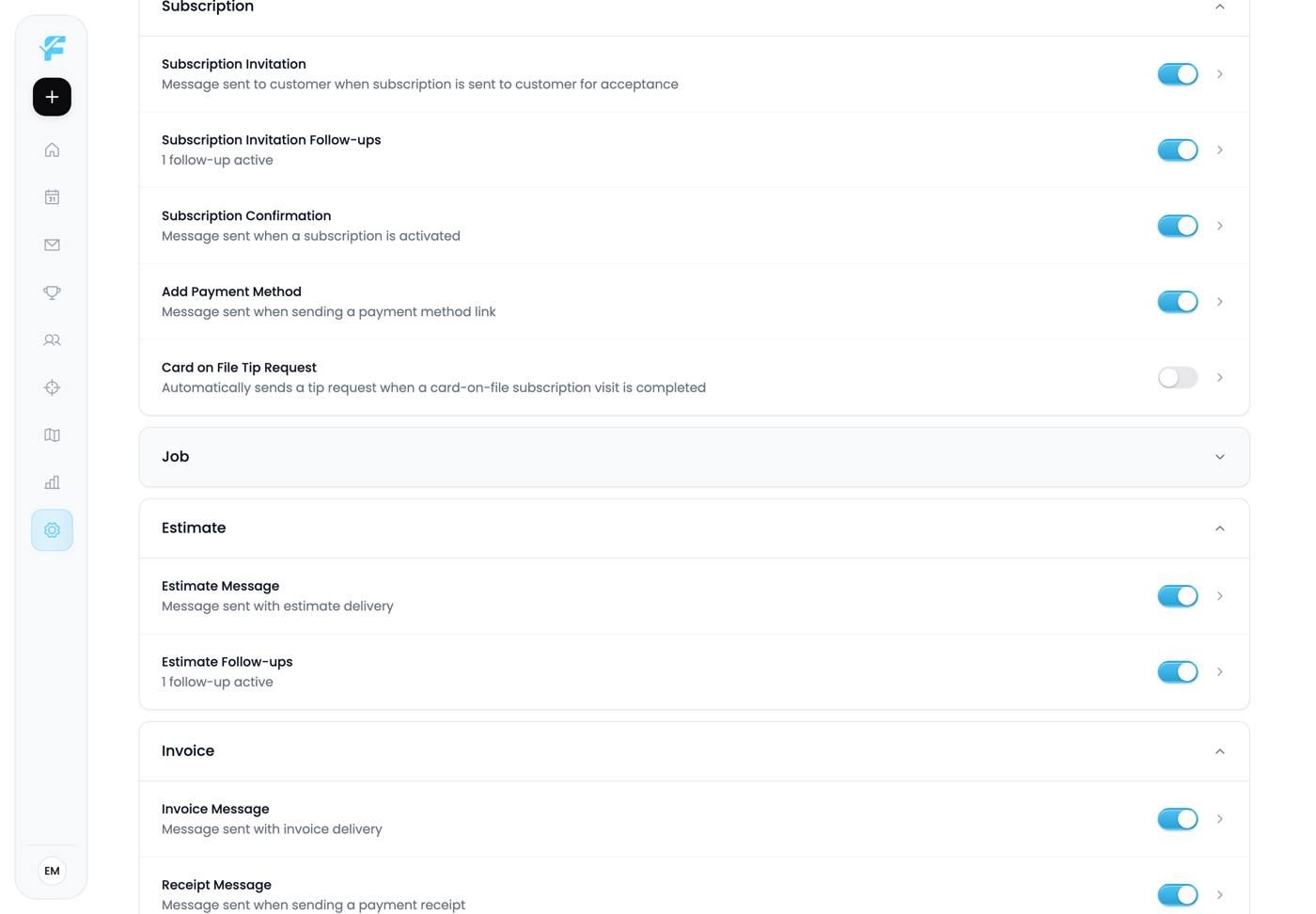
1. Job automations
Everything triggered by a job's lifecycle. Reminders before the visit, on-the-way notifications when the technician sets off, follow-ups after completion.
The reminder is the one that pays for itself immediately. A text the day before a visit cuts no-shows more than anything else in this app, and a no-show costs you a whole slot plus the drive.
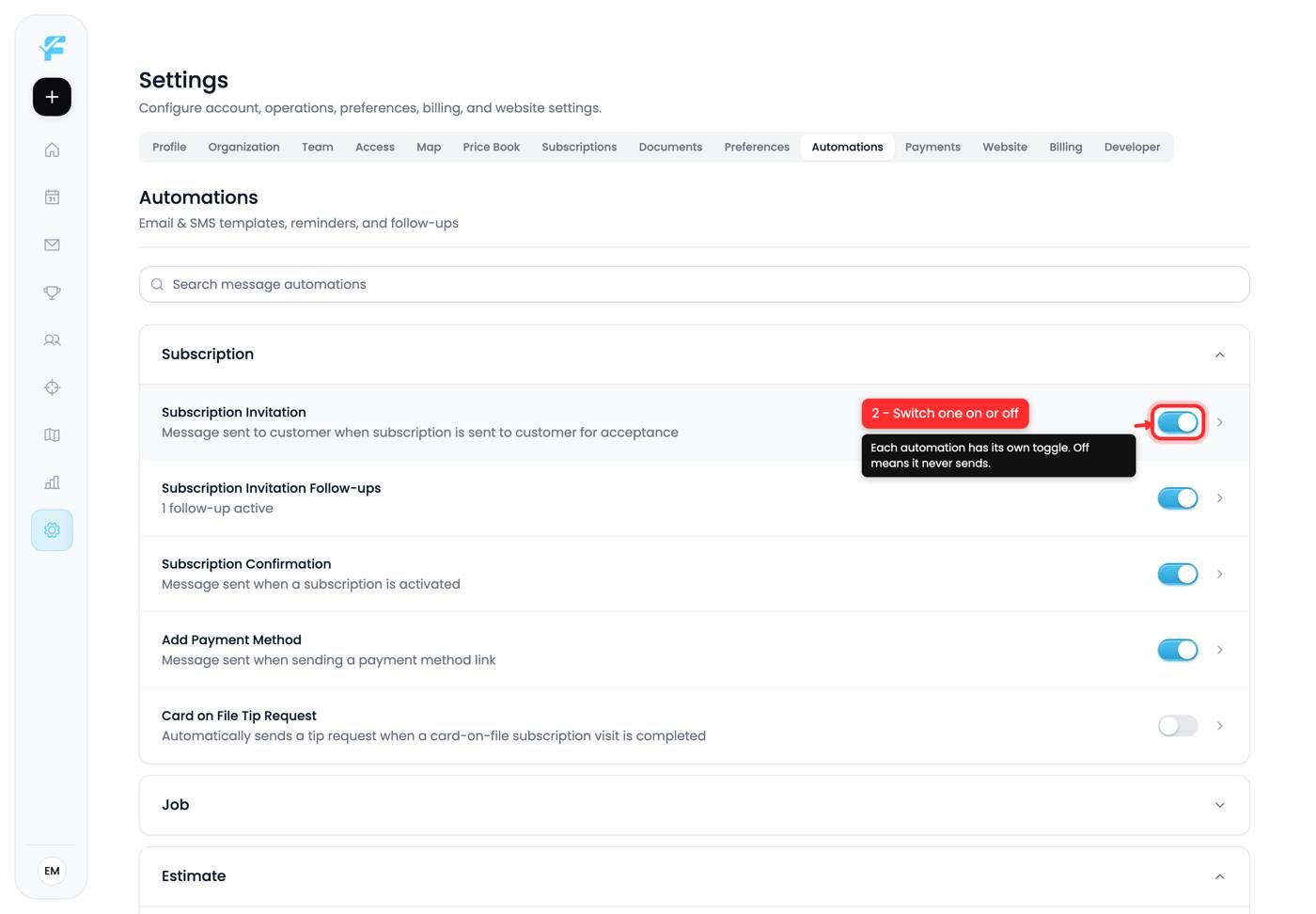
2. Each has its own switch
Every automation carries a toggle. Off means it never sends, regardless of what happens on the job.
Entries that support chasing show their state inline, for example "1 follow-up active", so you can see at a glance how persistent a sequence is.
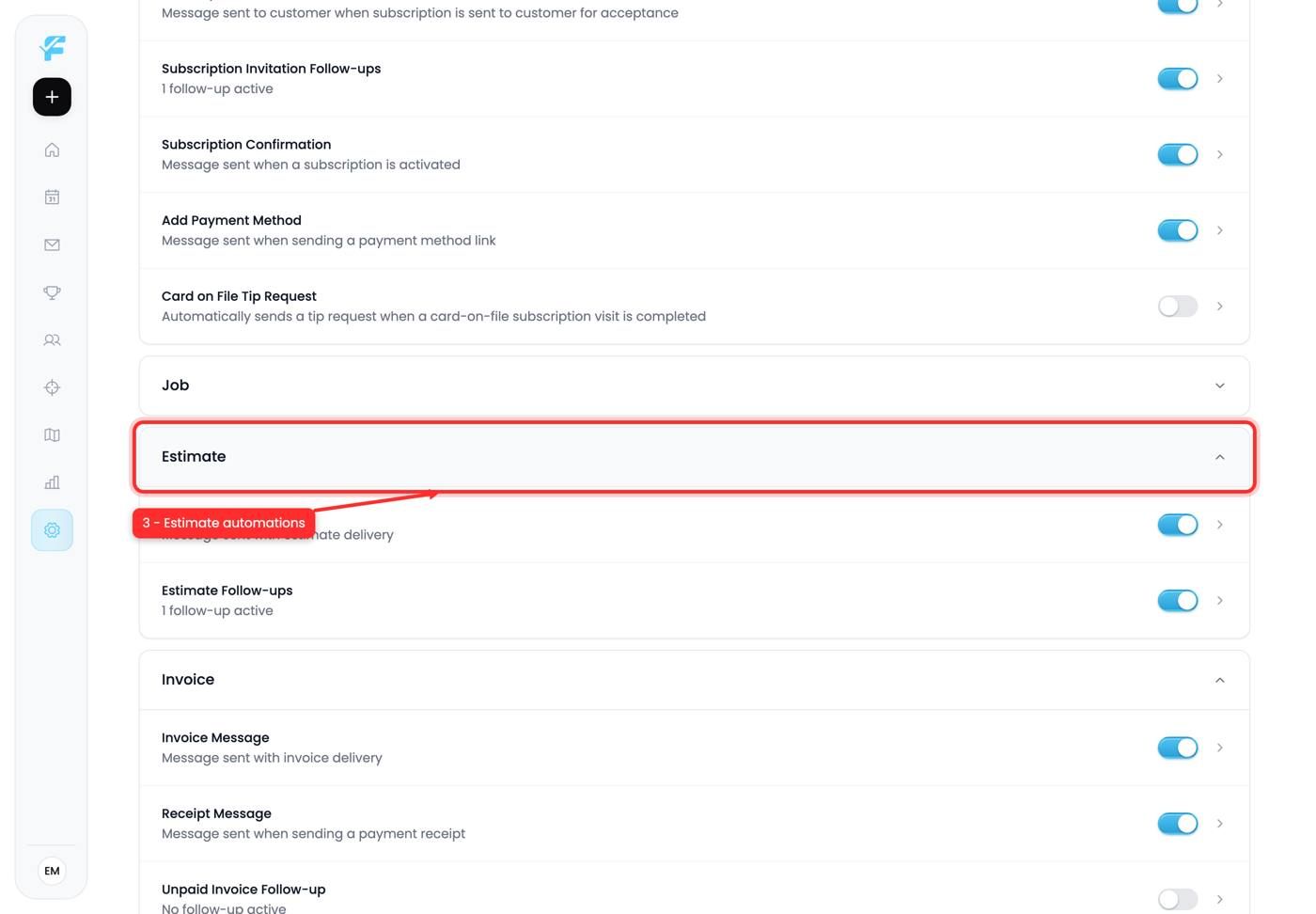
3. Estimate automations
Triggered by quotes. The important one is the follow-up on an estimate that's been sent and not accepted.
Most quotes are not rejected, they're forgotten. A polite nudge two days later recovers work you'd otherwise write off, and it costs nothing to send.
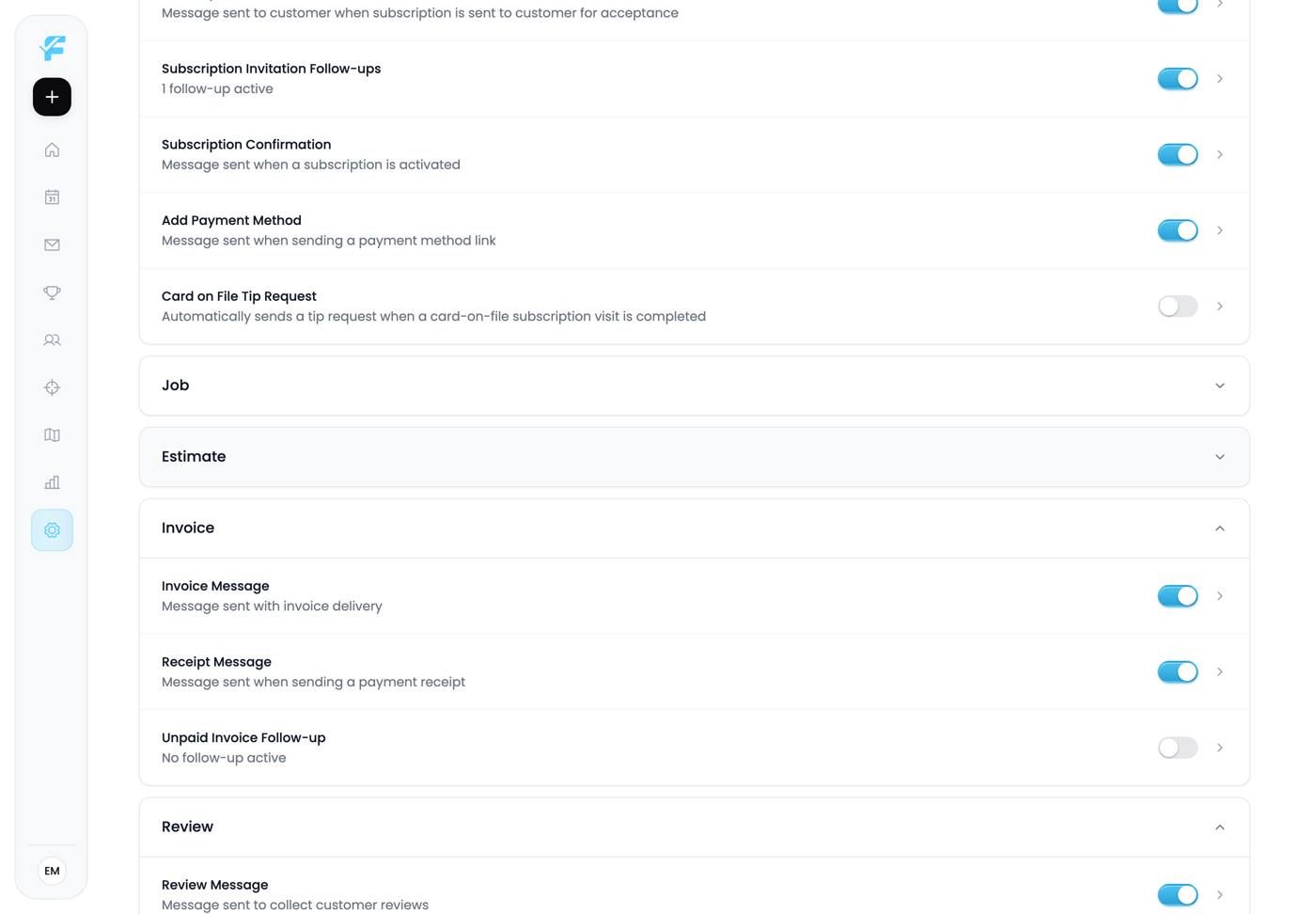
4. Invoice automations
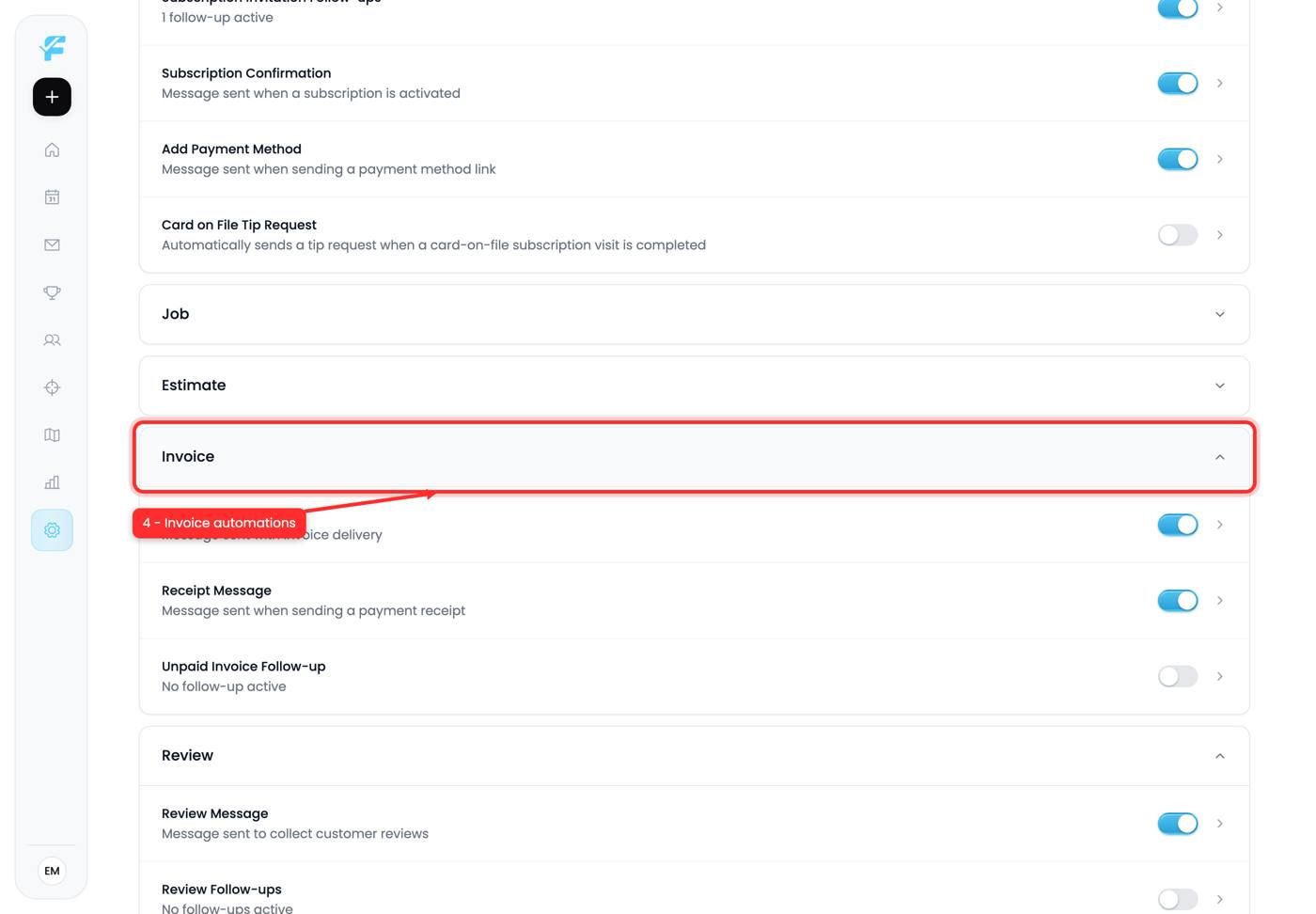
Payment reminders and overdue chasers.
Automating collections is worth it for a reason that isn't obvious: it removes the emotion. Nobody wants to text a customer about money, so it gets delayed, and delay makes debt harder to collect. An automated reminder on day three is neutral and it always goes out.
A sensible starting configuration
- Job reminder, one day before
- On the way, when the technician departs
- Invoice reminder, three days after sending
- Estimate follow-up, two days after sending
Four automations. Live with them for a month before adding more.
Tips and gotchas
- Reminders beat everything else for immediate return.
- Estimate follow-ups recover forgotten quotes, which is most of them.
- Automated collections remove the awkwardness, which is why they actually go out.
- Count the messages per job. More than two or three and you're the annoying company.
- Test on yourself first. Put your own number on a demo customer and watch what arrives.
Next up: Review requests
Still need help? Ask the team